
Set Up OpenClaw
Deploy your personal AI assistant with Telegram trading
OpenClaw is your personal AI assistant instance. It runs on a dedicated server, connects to your Telegram, and can trade on Ostium via the Maxxit Lazy Trading skill.
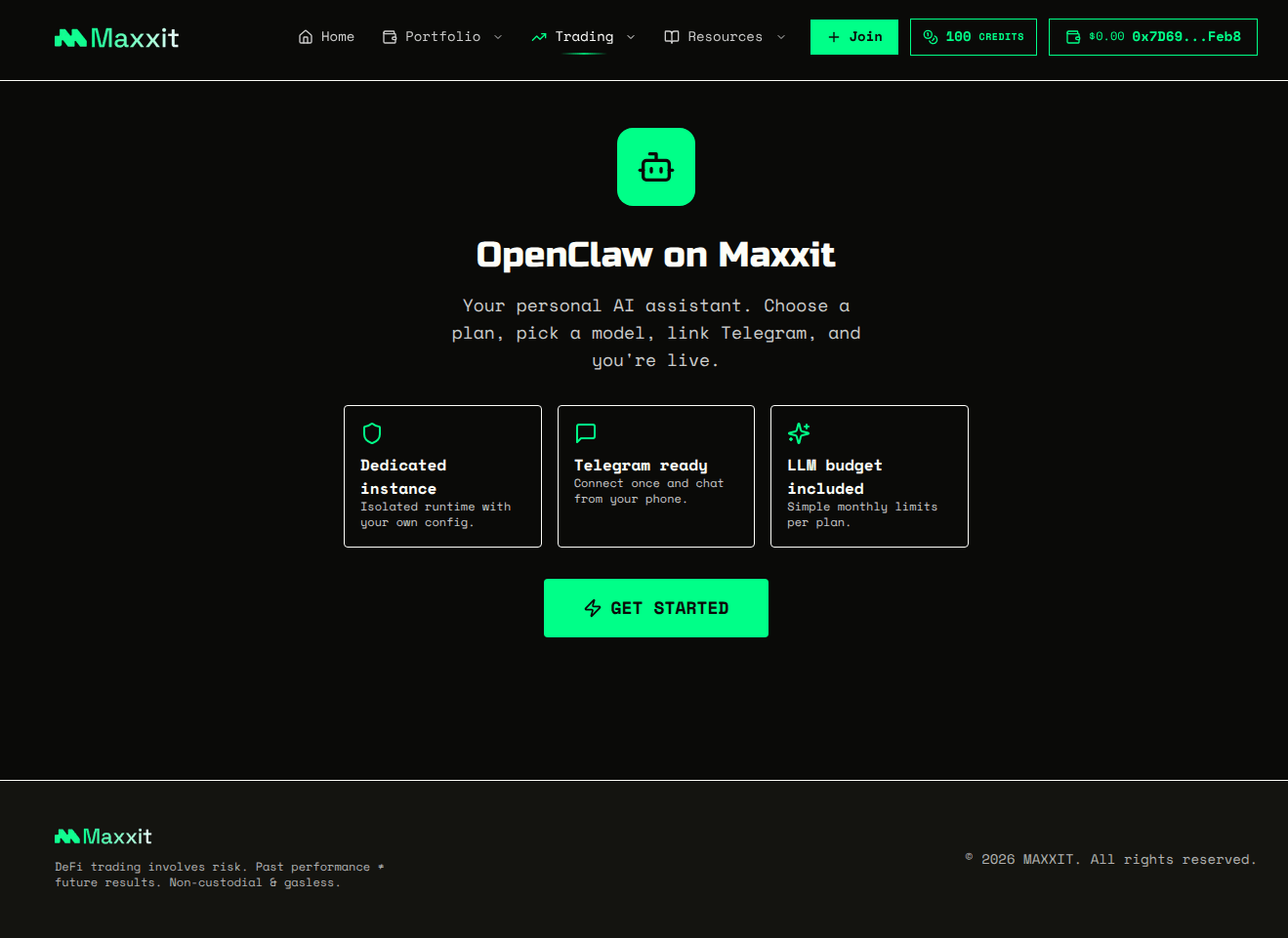
Steps:
- 1Navigate to the OpenClaw setup page
- 2Review the features — dedicated instance, Telegram integration, and LLM budget
- 3Click "Get Started" to begin the setup
💡 Pro Tip: OpenClaw can be extended with skills like Maxxit Lazy Trading to execute trades via Telegram messages.
🎉 Your OpenClaw is Ready!
Once launched, your bot will greet you on Telegram. Just send a message to start trading!
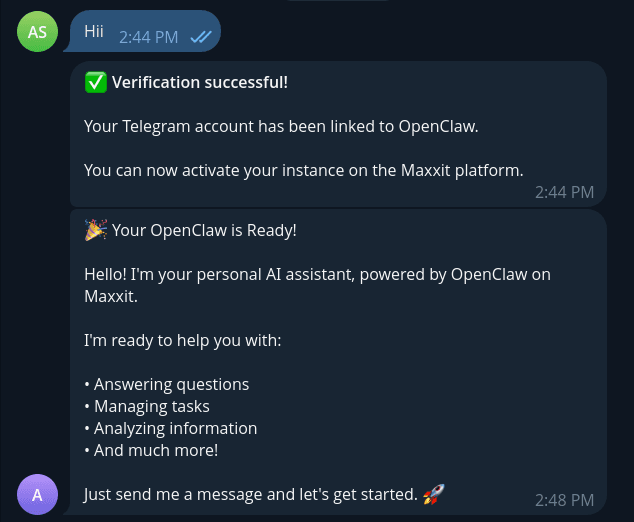
Your OpenClaw bot greeting you on Telegram after launch
Join an Alpha Club
Follow these steps to join an existing club and start trading
Create Your Own Club
Want to build your own strategy? Here's how to create a club
Note: Creating a club follows the same initial steps (1-5) as joining. After purchasing credits, choose "Create" instead of "Join", then follow these additional steps:
After selecting your sources, continue with steps 7-11 from the "Join a Club" flow above (Select Venue → Trading Preferences → Agent Assignment → Costs → Monitor Trades).
You're All Set!
You've completed the user manual. You're now ready to start trading with AI-powered agents on Maxxit.
Need More Help?
If you have questions or run into issues, we're here to help.